Introduction to Conversations
Conversations. Conversations put the discussion about a record onto the record itself. Instead of an email thread that only some people can see, the questions, decisions, and context about an order o…
Conversations
Conversations put the discussion about a record onto the record itself. Instead of an email thread that only some people can see, the questions, decisions, and context about an order or a job live where anyone working on it will find them.
Why you would use it
The reason something was done is usually worth more later than the change itself. When that reason is in somebody's inbox, the next person to open the record has no way to reach it. A conversation on the record means the history arrives with the work.
Channels
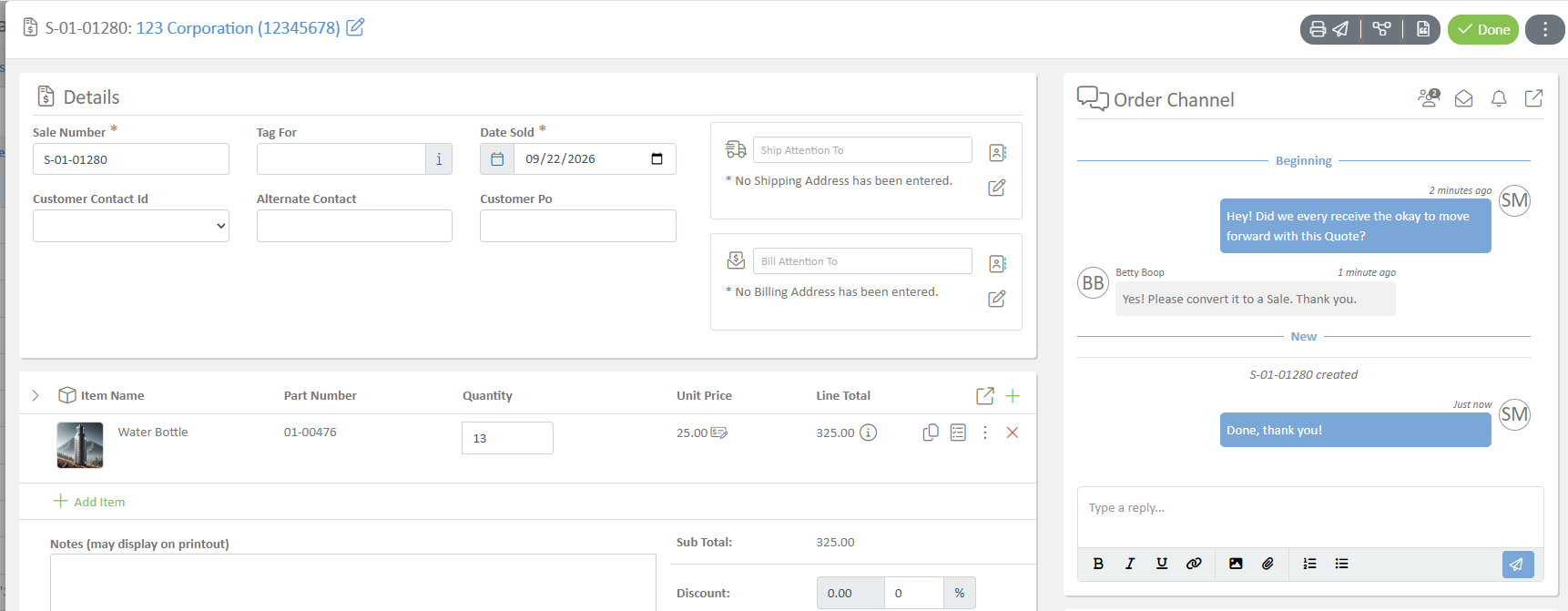
A record can carry more than one conversation, and each is called a channel. An order, for example, can have an internal channel for your own team and an external channel for discussion involving the customer. Keeping them apart means internal notes stay internal.
Channels appear as panels on the record. You can collapse a panel you are not using and reorder panels by dragging them, and the layout you choose is remembered the next time you open the record.
Messages and notes
Two ways to add to a conversation:
- A message is part of the discussion and goes to the people on the channel.
- A note records something for the record without addressing anyone.
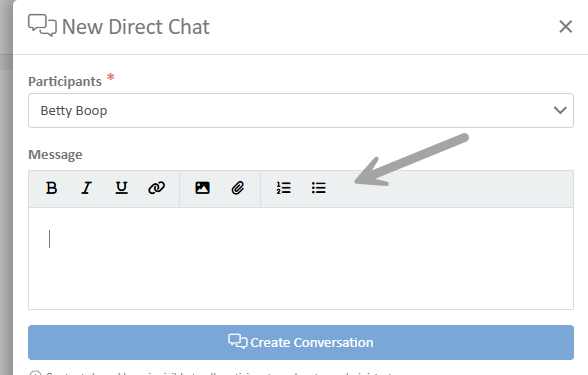
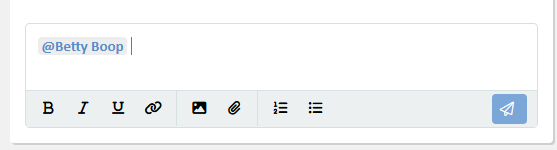
Both accept formatting, so you can use bold, lists, and headings where they help. You can attach files to a conversation, and you can mention a specific person to bring them in.
Unread
Channels show when there is something you have not read, so you can open a record and see at a glance whether the discussion has moved on. A channel with no messages in it is not marked unread, because there is nothing to catch up on.
Linked records
A conversation can be linked to related records, so a discussion on an order can reach the quote it came from, the invoices raised against it, and the job and work orders produced from it.
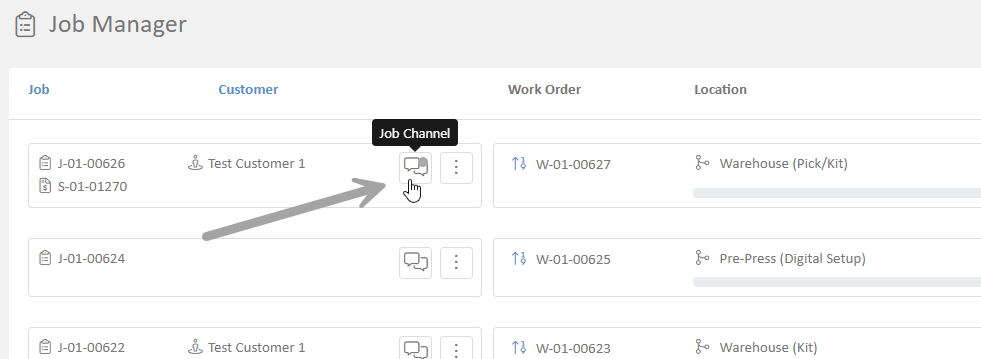
Linking is deliberately limited to records genuinely related to the one you are on. The intent is that a link always means something specific. Much of this is now made for you: an order and its job are connected automatically, and from a job's work orders you can open the job's channel directly, with an unread marker if there is something new. In practice, you rarely need to link anything by hand.
Where conversations appear
Conversations are used across the application rather than being a feature of one screen. Orders, jobs, and tickets all carry them. In Internal Tickets, the ticket's discussion is a conversation, which is why a ticket keeps its reasoning and its attachments together with the request. See the Internal Tickets guide.
How did we do?